Posts & Feed
Browse posts and share your own hobby swaps.
STEP 01
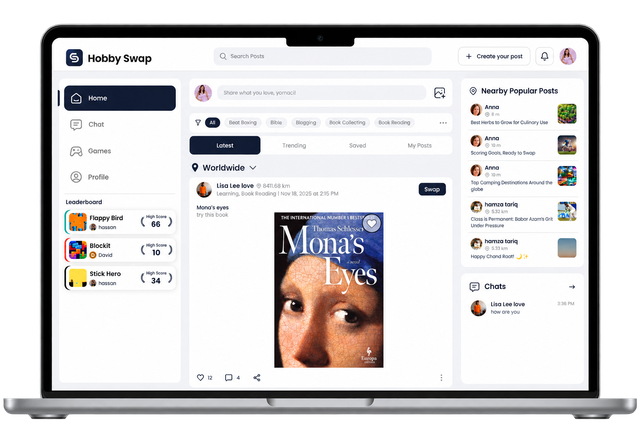
Browse the feed
See posts from people who share your hobbies.
- Switch between Latest, Trending, Saved and My Posts.
- Filter posts by hobby using the hobby chips above the feed.
- Check Nearby Popular Posts on the right for popular posts near you.

STEP 02
Filter posts by distance
Choose how far away the posts in your feed can be.
- Click the location menu above the posts. It shows Worldwide by default.
- Under Show Posts within, choose Worldwide, 100 KM or 10 KM.
- Your feed updates right away to show posts in that range.
STEP 03
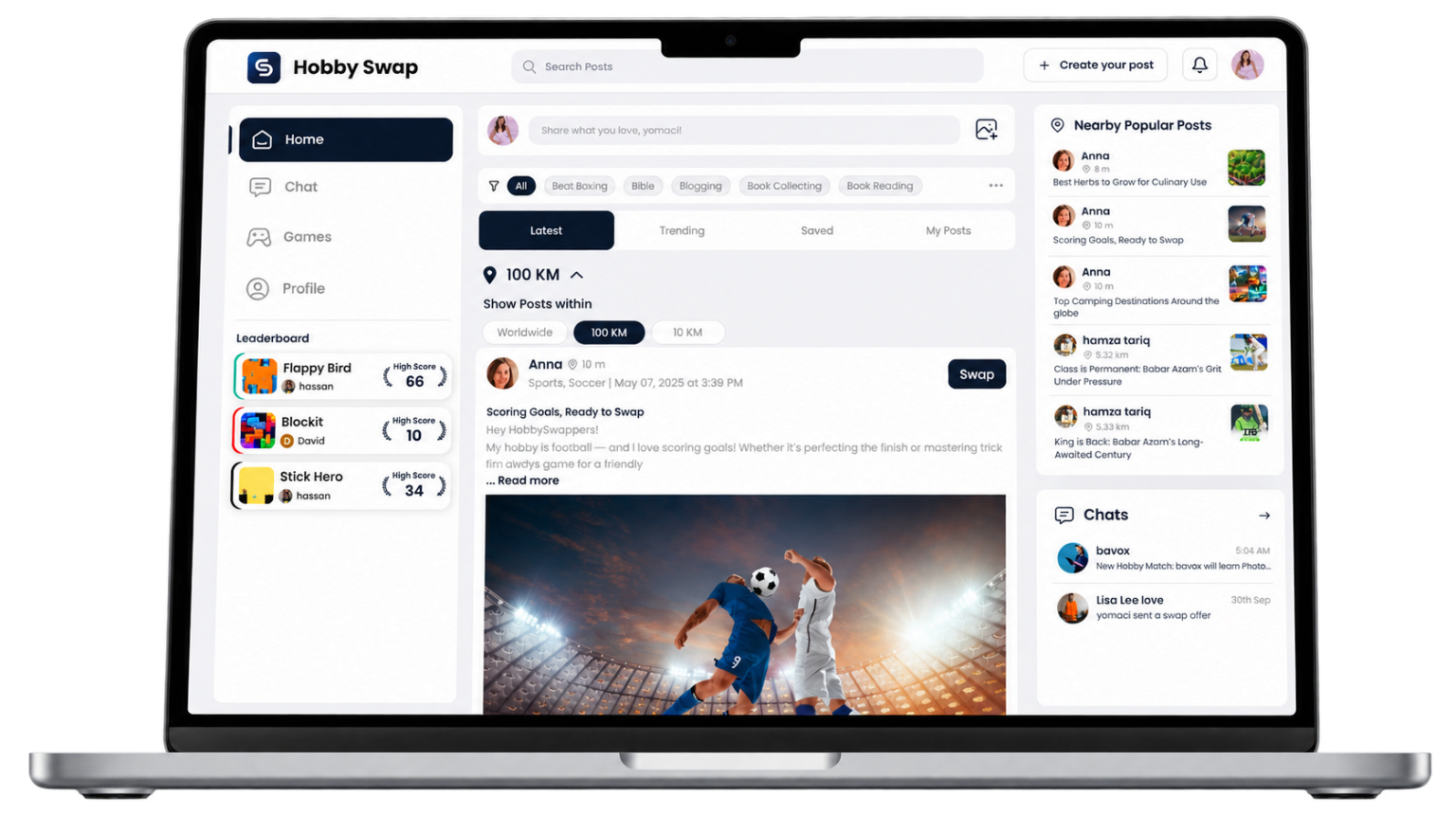
Show posts within 100 KM
See posts from your wider area, such as your city and nearby towns.
- Under Show Posts within, click 100 KM.
- The location menu now shows 100 KM, and your feed only shows posts within that distance.
STEP 04
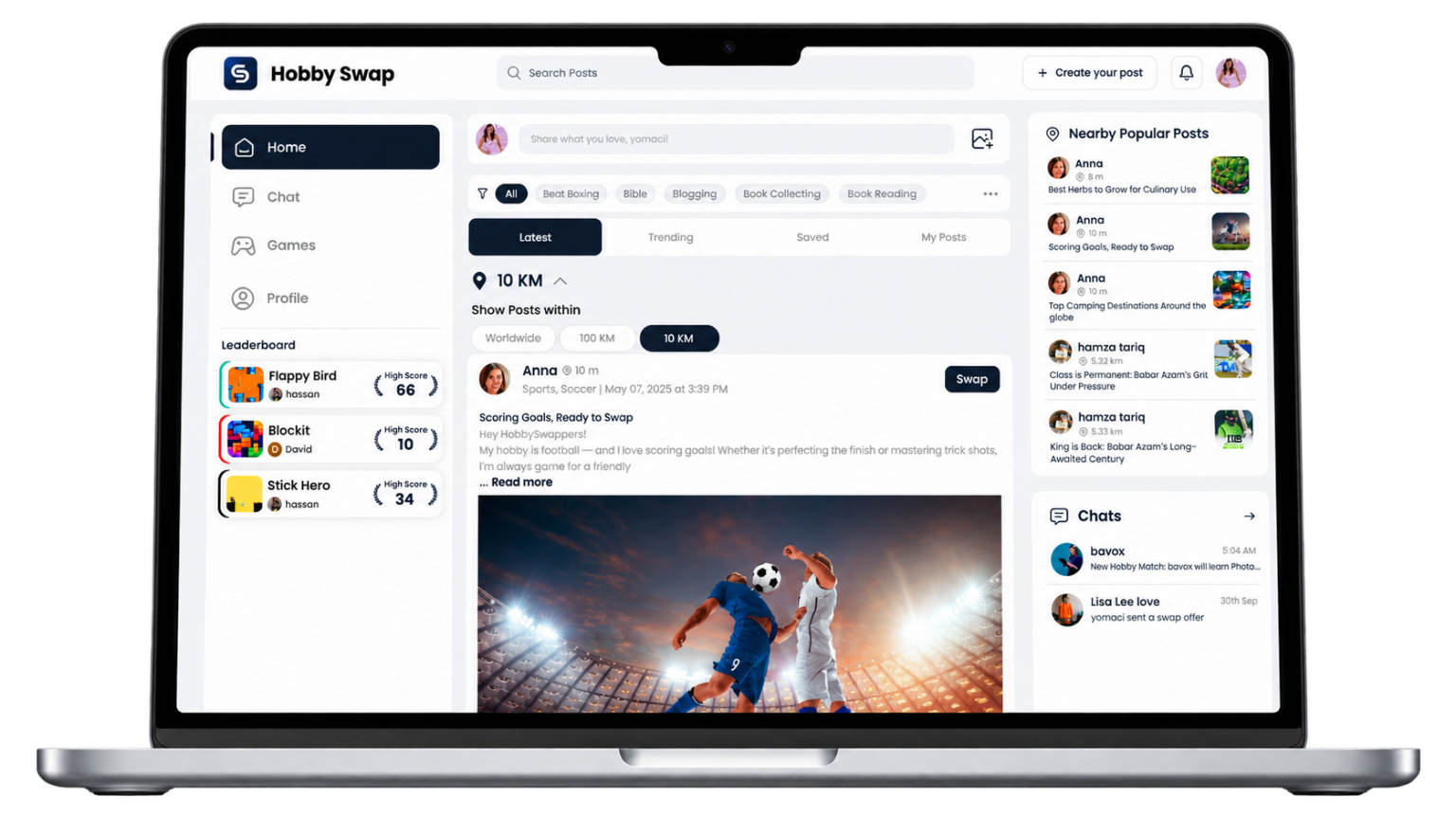
See posts near you
Choose 10 KM to see posts from people right around you, ideal for in-person swaps.
- Each post shows how far away its author is.
- Nearby Popular Posts on the right also shows popular posts close to you.
Choose Worldwide again at any time to see posts from everywhere.

STEP 05
Create a post
Share a hobby you want to swap.
- Click Create your post at the top of the page.
- Choose a category and select hobby.
- Add a title and description, and upload up to 3 images if you like, then click Post.