Games & Leaderboards
Play mini-games and climb the leaderboards.

STEP 01
Explore games
Take a break with fun mini-games and compete with other HobbySwap users.
- Tap Games in the bottom bar.
- Browse the list of games under Explore Games.
- Tap a game to play it, or tap Leaderboard under it to see the top scores.
STEP 02
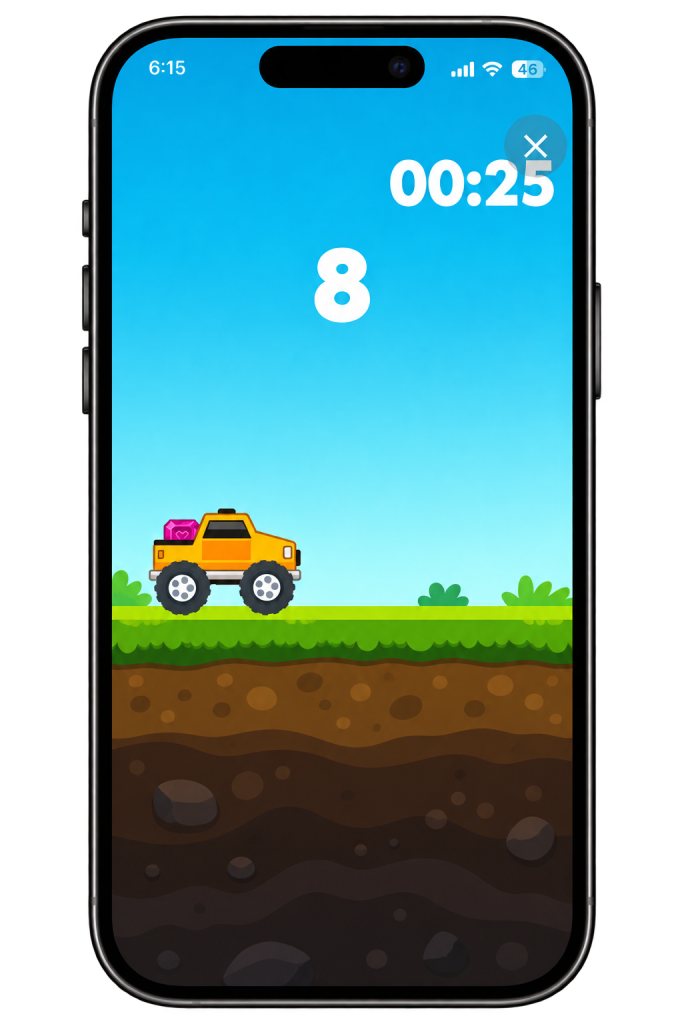
Play a game
Try to get the highest score you can.
- Your score and the timer are shown at the top of the screen while you play.
- Tap ✕ in the top-right corner to leave the game.
STEP 03
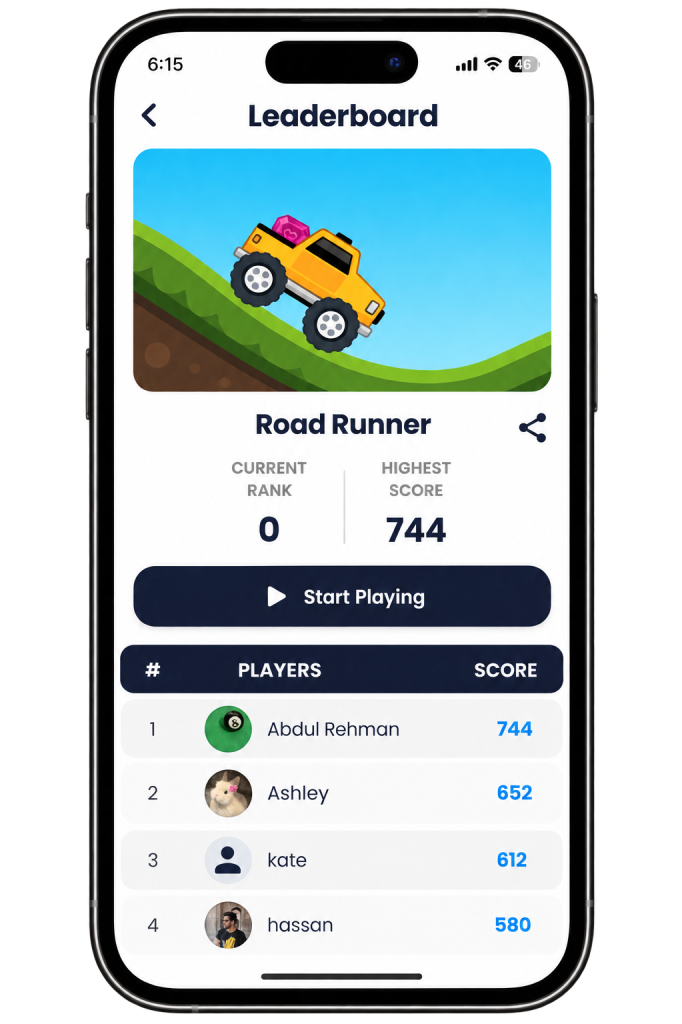
Check the leaderboard
See how your scores compare with other players.
- Tap Leaderboard under a game.
- See your current rank and your highest score.
- Scroll the list to see the top players and their scores.
- Tap Start Playing to play again, or tap the share icon to share your score.
Play again to beat highest score and climb the leaderboard.