Getting Started
Create your account and set up your hobbies.

STEP 01
Create an Account
Go to web.hobbyswap.net and open the sign-up page. Enter your name, email and password, then click Next. You can also sign up with your Google account by clicking Continue with Google.

STEP 02
Verify Your Email
Enter the 4-digit OTP sent to your email address, then click Next to verify your account. If the code doesn't arrive, you can resend it when the timer runs out.

STEP 03
Select Your Hobbies
Select the hobbies you want to share content about, then click Next. Categories include:

STEP 04
Select Hobbies to Swap
Select the hobbies you want to learn and swap with others, then click Complete Signup.
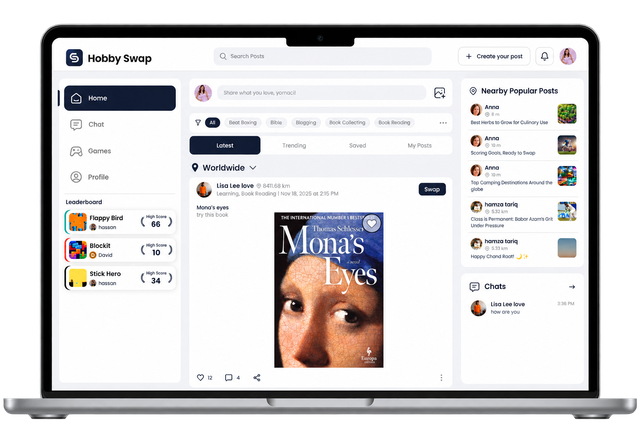
STEP 05
Explore the Main Feed
After completing your hobby selections, you’ll be taken to the main feed, where you can explore posts and discover content related to your selected hobbies.